ATOM SQ | HYBRID MIDI KEYBOARD/PAD PERFORMANCE AND PRODUCTION CONTROLLER
ATOM SQ
HYBRID MIDI KEYBOARD/PAD PERFORMANCE AND PRODUCTION CONTROLLER

ATOM SQ
HYBRID MIDI KEYBOARD/PAD PERFORMANCE AND PRODUCTION CONTROLLER
- UM : EA
- Estimated Weight: 2.0
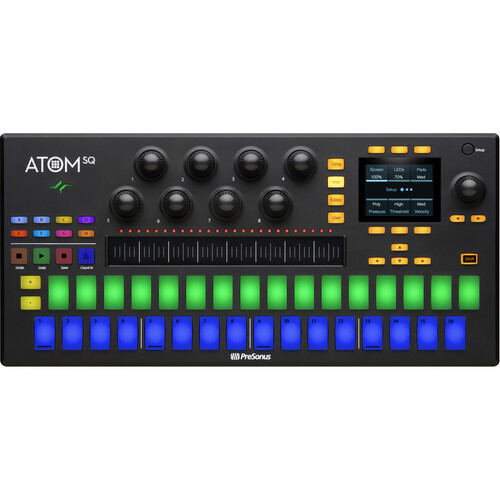
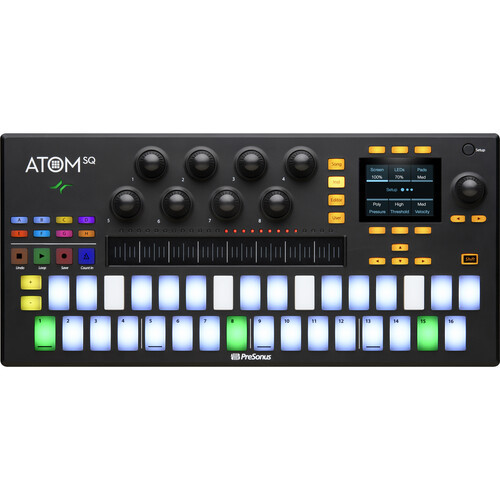
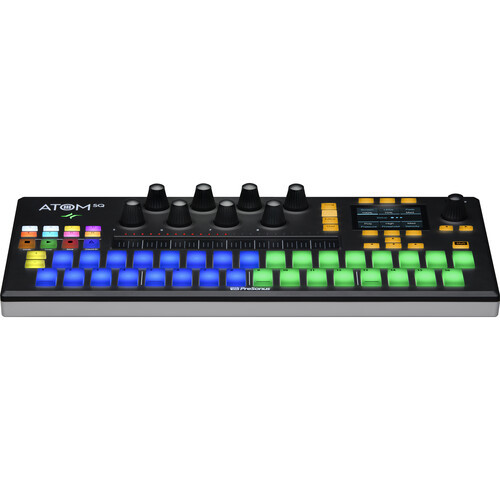
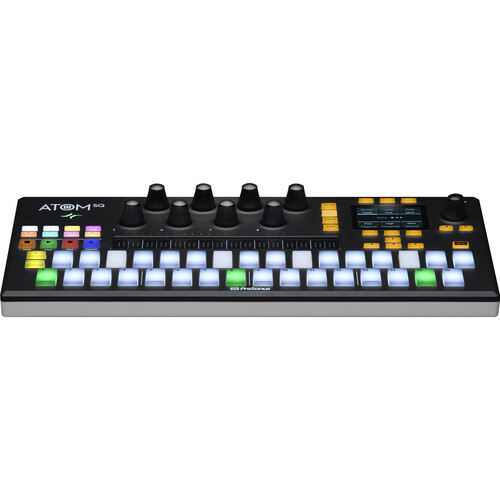
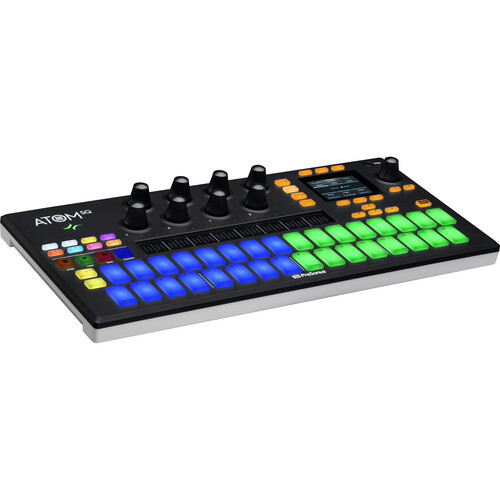
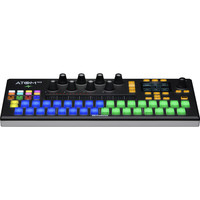
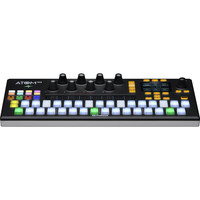
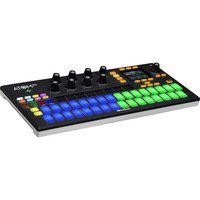
Modern musicians, performers, and producers need to move quickly from programming drums and samples to playing synth lines and back again. ATOM SQ was designed as a versatile and expressive MIDI pad controller for contemporary music production. Its unique design is optimized for both classic TR-style 16-step beat sequencing and drum pattern editing in Studio One or playing instruments and launching clips in Ableton Live—yet its staggered and RGB-lit 32-pad configuration is instantly familiar to anyone who’s played a controller keyboard. Advanced features let you change the keyboard scale, and a built-in arpeggiator and user-configurable touch strip make the ATOM SQ the most expressive controller you’ll ever use. In fact, it’s the best PreSonus Studio One MIDI controller available.
FEATURES
General
- - A complete music production package featuring a hybrid MIDI keyboard/pad performance and production controller with Studio One® Artist and Ableton® Live Lite both included
- - 32 velocity- and pressure-sensitive, RGB LED pads in a unique, staggered layout; intuitive for keyboard players and step sequencer fans
- - Context-sensitive screen displays valuable parameter information including CC assignments, swing, and much more
- - Eight endless rotary encoders can be easily configured to control nearly any software parameter
- - Includes 2 loop packs with custom kits for Impact XT
- - Expressive arpeggiator for dramatic, easily performed melodies
- - Includes custom-curated content libraries for ATOM SQ
- - Constrain to Scale feature puts an end to wrong notes forever
- - USB bus-powered for easy connectivity and maximum portability
Studio One Integration Features
- - Automatically detected by Studio One, no setup required
- - Deep integration with Studio One’s Pattern editor for intuitive step sequencer programming
- - Navigate and choose instruments and effects from the Browser
- - Change presets on virtual instruments and effects
- - Create a new track
- - Activate metronome and change song tempo
- - Set looping points in timeline
- - Navigate the timeline
- - Zoom in and out on the timeline or events
- - Directly edit MIDI events and apply Quantization or Humanization commands
- - Transport control (stop, play, record)
- - Studio One dynamically switches ATOM between Keyboard and Drum modes depending on the selected instrument
- - Requires Studio One v5 or later for full integration support
Ableton® Live Integration Features
- - Seamless Integration with Ableton® Live
- - Use ATOM SQ’s Constrain to Scale mode and Arpeggiator to perform live
- - Change session Tempo, navigate the timeline, open/close windows, and display which windows are open or closed
- - Control track Volume, Panning, send level and Solo/Mute/Arm status
- - Select a Device and edit its parameters
- - Navigate Clips and Scenes
- - Launch or stop Clips and Scenes
- - Control Live’s crossfader with ATOM SQ’s touch strip
- - Transport control (stop, play, record) plus "Capture MIDI"
- - User Mode for custom assignments
- - Requires Ableton Live version 10.1.15 or later for full integration support
Modes
- - Studio One native
- - Live native
- - MCU/HUI*
- - Standard MIDI controller
*May vary depending on application.
Connections
- - USB-C™-compatible Port
Included Software
- - Studio One® Artist production software for Mac® and Windows®
- - Ableton® Live Lite (for registered users after October 20, 2019)
- - 2 bonus loop packs with custom kits for Studio One’s Impact XT
- - Compatible with most music production and performance software for Mac and Windows
Customers Also Viewed